
1. Log into wordpress
2. Create a new page: Pages>Add New

3. The page should then look like this:
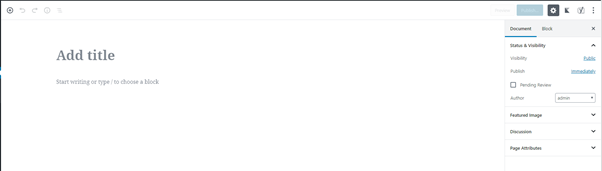
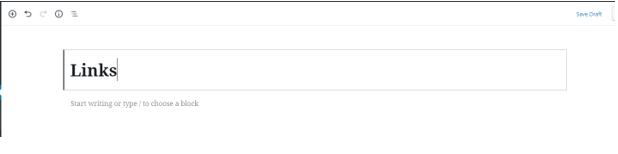
4. Now enter the name for your page in the Add Title box

For example:
I have named this page “links”
5. To create a button, create a new block by clicking on the Plus button

6. You should have the Block Selector open

7. Select Layout Elements>Button

8. Your page should then look like this:

9. Now add the text you want to be displayed on your button in the Add Text box

For example:
I have named this button “Facebook”

10. Now add the URL for you link in the URL box

For example:
I have entered my Facebook URL

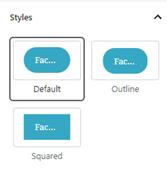
11. To change the shape of the button, go to the right sidebar>styles
12. To change the colour of the button, go to the right sidebar>block>colour settings

For example:
I have changed the colour of the background to blue and the text to white

My button now looks like this:

To change the alignment of the button, go to the Element Bar

For example:
I have decided to centre my button

14. If you want to create more links/buttons, repeat steps 5-13
15. Once you are happy, publish the page by clicking on the Publish button


